|
Configuration for Client
|
| Configuration for Client PC. This example in on Windows XP. |
|
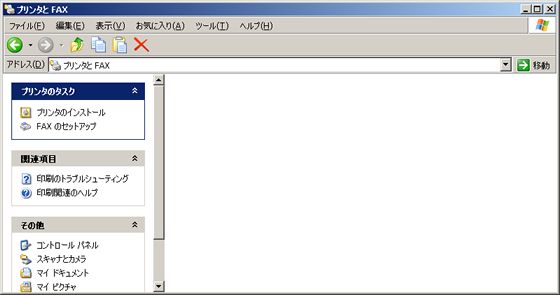
| [1] | Open "Control panel"-"Printers and fax", and next, Click "Install printers". |
|
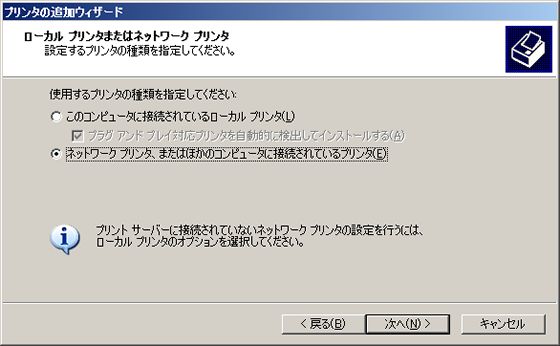
| [2] | Check a box "Network printer" and go next. |
|
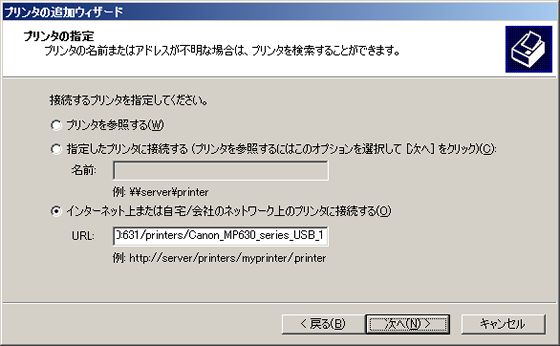
| [3] | Specify printer's IP address. In this case, specify "http://(server's hostname or IP address):631/printers/(printer's name)". |
|
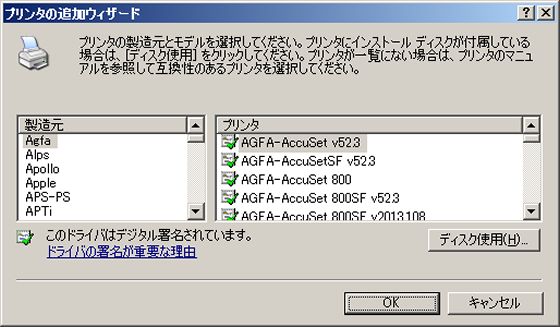
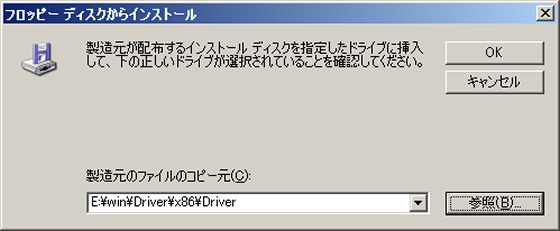
| [4] | Select printer's model. If suitable one is none in the list, Download a driver first from vendor and Click "use disk". |
|
| [5] | Select a suitable driver. |
|
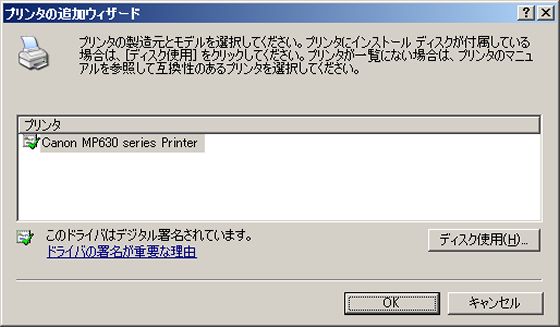
| [6] | Printer's model is shown. If OK, go next. |
|
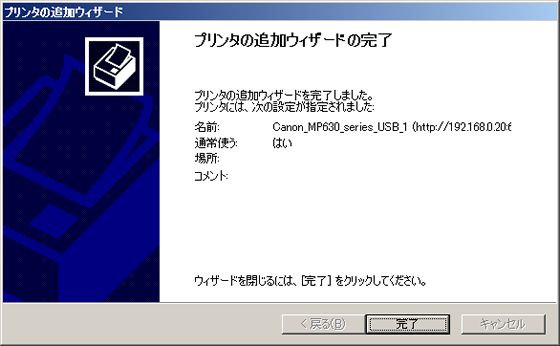
| [7] | Just complete to set network printer on client PC. Please test to print a page. |
|